Plumbing is the most emergency-driven local trade there is. When a pipe bursts or a water heater fails, the homeowner isn’t researching — they’re panicking, and they call the first credible plumber in the Google Map Pack. There’s no second-place prize on a flooded kitchen floor. This playbook is about owning those top three spots so the emergency calls come to you, not the plumber one rank above you.
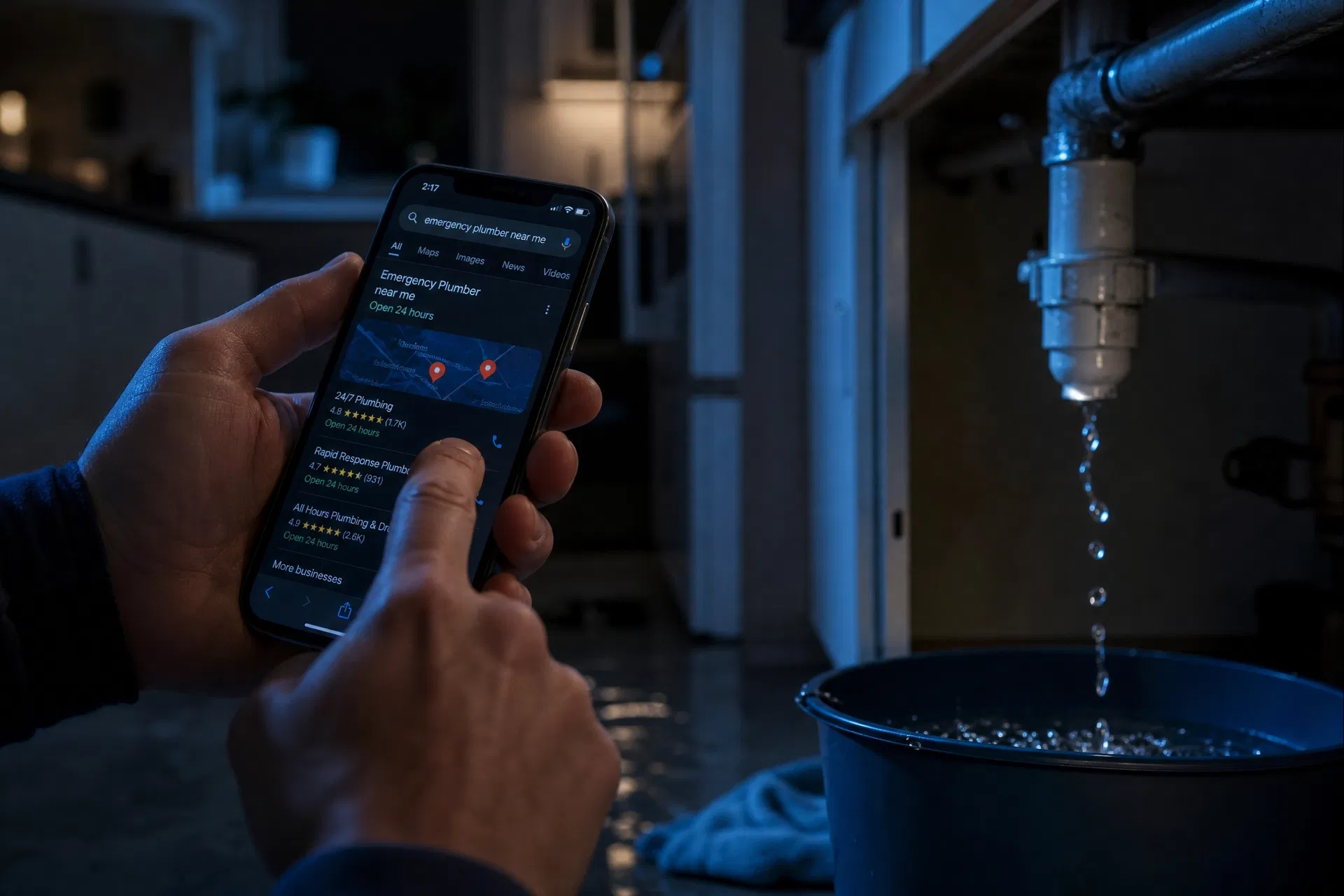
Emergency intent is everything
A search like “emergency plumber near me” is about as bottom-of-funnel as it gets: the person needs help now, will call within minutes, and rarely shops around. That urgency is why the Map Pack is so valuable for plumbing, and why two things matter more for you than for almost any other trade — that you show up, and that calling you is effortless the second they see you.
Adapt to the GBP changes (especially call tracking)
Google removed in-profile messaging, quote requests, and call-history tracking, and killed its free website builder. For an emergency trade this cuts two ways. First, click-to-call must be frictionless — your number front and center, your hours accurate (including “open now” for 24/7 operations). Second, with call history gone, use a call-tracking number so you actually know how many of those emergency calls Google is sending you. For plumbers, the phone is the conversion, so measuring it isn’t optional.
Get your categories right
Primary category: “Plumber.” Add accurate secondaries for what you do — “Drainage service,” “Water heater repair service,” “Hot water system supplier,” and emergency or commercial categories where they truly apply. The closer your categories map to real searches (water heater, drain, repipe, leak detection), the more of those searches you’ll surface for.
Hours and “open now” are a ranking and conversion lever
If you run 24/7 emergency service, set your profile to reflect it — Google filters “open now,” and a homeowner at 2 a.m. is specifically looking for someone open. Inaccurate hours don’t just cost the click; a “closed” badge sends a ready-to-pay emergency lead straight to a competitor.
Define your service area accurately
Set up as a service-area business and list the Florida cities and counties you genuinely cover. For emergency work, response time matters, so an honest, tight radius you can actually reach fast beats a sprawling one you can’t.
Photos that build fast trust
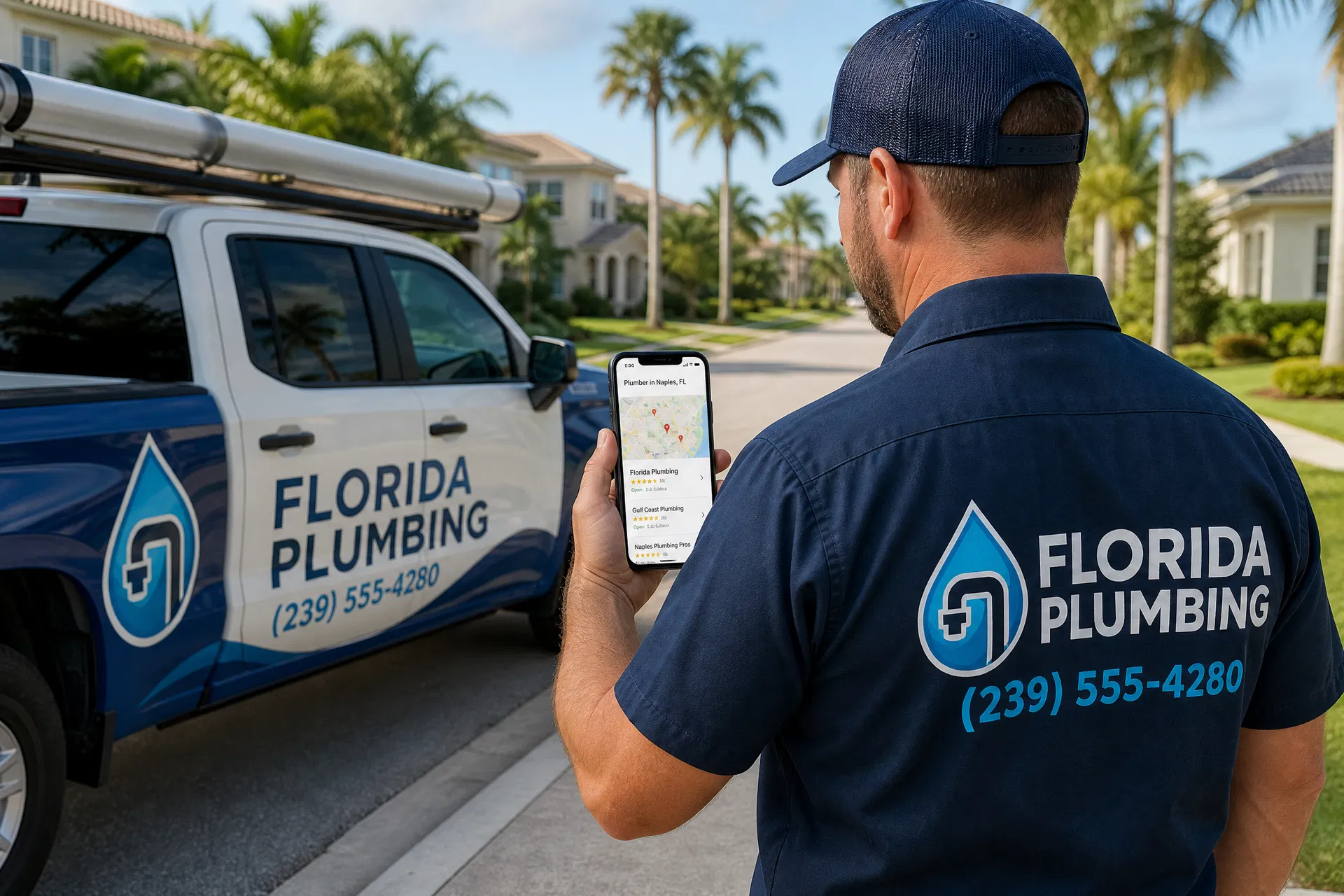
Even in a panic, people glance at who they’re calling. Real photos of your trucks, uniformed techs, and completed work signal a legitimate, established local plumber. Keep them current — fresh photos read as an active business.
Reviews win the tie
When two plumbers both show up “open now,” reviews break the tie. Build a review request into the end of every job and prompt naturally for the service and city (“fast water heater replacement in Fort Myers”). Recency matters enormously here — a steady flow of recent reviews signals you’re busy and trusted right now. Respond to all of them. (Here’s the review system that runs itself.)
Use posts and Q&A for the practical questions
Google Posts work for plumbing as service reminders and offers — water-heater flush specials, repipe financing, leak-detection promotions. In Q&A, seed and answer the questions homeowners actually ask: “Do you offer 24-hour emergency service?”, “Do you do free estimates?”, “What areas do you cover?”
Where most owners get stuck
You’re on calls and under sinks all day; nobody’s optimizing the profile, chasing reviews, and keeping hours and posts current — yet that’s what decides whether the next burst-pipe call rings your phone. That’s the entire point of a managed profile. Want to see exactly where you rank for emergency searches in your service area right now?
Further Reading
- The Complete Guide to Google Business Profile for Florida Service Businesses — the foundation behind this playbook.
- Why Your Florida Service Business Isn’t Showing Up on Google Maps — if emergency searches aren’t finding you.
- Google Business Profile Management — keep the profile sharp while you’re on the job.
- Google Business Profile Help — official documentation.